Another in the series where I offer up some practical advice about setting up, recording, and publishing podcasts. This time, it’s the recording of audio.
There’s a lot of advice about recording already – these are the hints and tips I’ve found from recording hundreds of podcasts to avoid you making the same mistakes as me.
Check the speakers’ microphones. This might seem obvious but listening to a speaker and realising their default mic is the laptop and not their much better USB mic is no good when you’ve finished recording.
Make sure they warm up. Take a few minutes to make your guests mouths, throats and vocal cords are ready to go.
If you can, mute who isn’t speaking. It shouldn’t be an issue if you’re recording via multi channels but will help keep the background noise down.
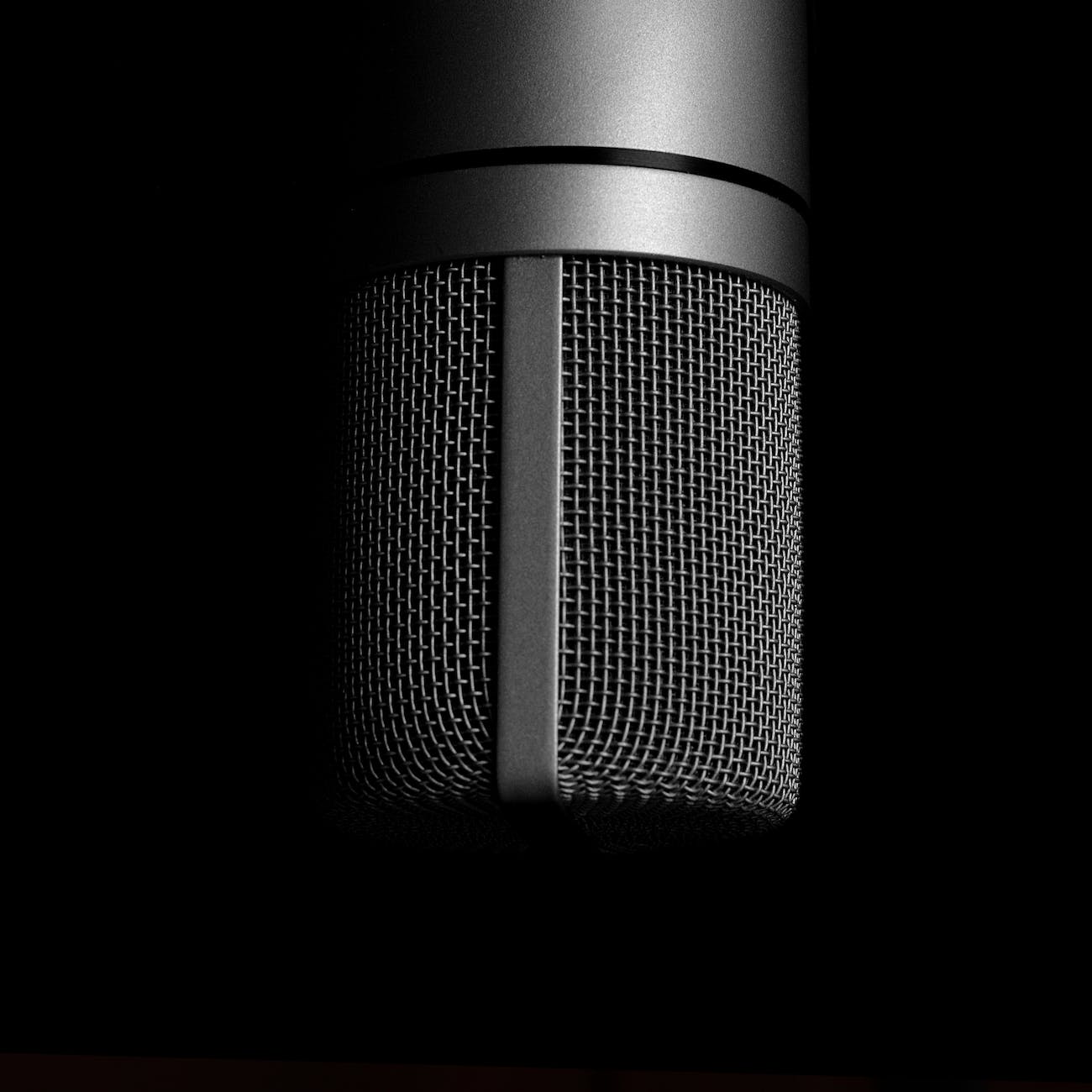
Don’t be afraid to ask speakers to move the microphone. If it’s too near their mouth you’ll record plosives of ‘b’ and ‘p’ sounds. They can be edited out but much easier to avoid them altogether.
Where possible, ask the speakers to be in a better treated room. A normal carpeted room still produces some echo so drapes, soft furnishing, towels etc near the microphone will deaden the echoes and acoustics a bit.
Leave cues for the edit. Ask the speakers to make a loud noise (or go silent) when they want to make a change to the recording. It makes it MUCH easier to find in the edit.
The most important tip is to put the guests at ease. A nervous guest will speak too quickly, make mistakes, sound nervous, hurry content along, and won’t give their best. We send speakers on the Women Talking About Learning podcast a guest guide a few weeks before we record so they know everything about the recording before we start.
If you do recording, what else would you recommend? Let me know in the comments.
 Lost and Desperate
[…] Another in the series where I offer up some practical advice about setting up, recording, and publishing podcasts. This time, it’s the editing of audio. […]
LikeLike